
In this topic: Browse all News & Updates articles
Industry InsightsSuno v6: Pick v6, v6-wild, or v6-mini Without Regenerating

Suno v6 shipped on September 9, 2026. This is not another “a bit cleaner audio” point release: Suno AI moved generation from a full-song lottery to editing one lyric, rewriting a chorus, or starting from a still, a clip, or a voice memo. Flagship v6 and exploratory v6-wild sit on Pro / Premier; everyone—including Free—gets faster v6-mini. Older models retire as v6 rolls out. Songs already in your library stay.
This page is not a press-release rewrite. It maps the launch onto a scene-music workflow: which of the three models to pick, how surgical lyric edits and multimodal inputs connect to prompts you already use, and what happens to v5.5 Custom Models and download quota. Numbers and plan gates follow Suno’s Introducing v6 and the v6 FAQ.
Suno v6 lineup: when to use v6, v6-wild, or v6-mini
For the first time Suno split the stack by who is making the music, not a single default. A wrong pick still generates—you just burn drafts, or spend paid generations on a job that needed surprise instead of polish.
- v6: Pro / Premier flagship. Reliable, precise, polished across genres. Use it when you already know the brief—shop loop, brand sting, keeper BGM.
- v6-wild: paid only, same plans. Less predictable, more texture. Grab an unexpected direction, then bring the keeper section back into v6 to tighten.
- v6-mini: available to everyone, faster and lighter. Free drafts, quick listens, and “does this prompt even stand up?” belong here first.
Weekly Shorts: filter direction on v6-mini or v6-wild inside the app, then switch to v6 for the keeper. Cafe or study beds that have to still work tomorrow want v6 stability—don’t spend download quota on wild experiments. Upgrade gates live in Suno Free vs Pro.
Model names, plan access, and retirement timing follow Suno’s own notes.
Read official Introducing v6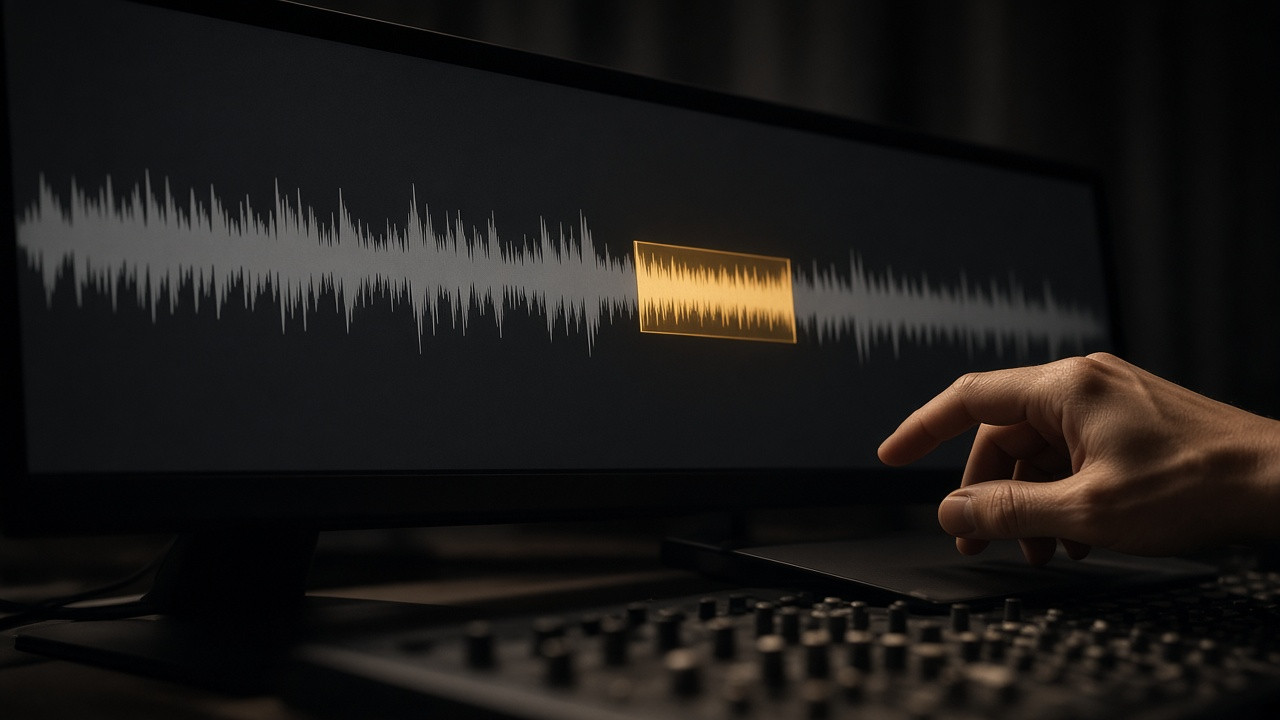
Surgical lyric edits, sampling, and multimodal prompts
v6 understands vocals, arrangement, structure, mood, and references more like a musician talking. Cover / Remix / Extend used to mean picking a tool; in Simple Mode you can say the job in one sentence and let the model choose the path. That is why it still fits this site’s 7-element prompt guide: the elements stay, plus “change this section, sample this riff, start from a picture.”
- Rewrite one section in plain language—“change the chorus so it’s sung by a gospel choir”—and keep the rest
- Mashup in one request: vocals from x, drums from y, new lyrics, 80s synthwave
- Sample and isolate: “sample the riff at 0:45, isolate the guitar, build a beat around it”
- Start from a feeling—“midnight on a rooftop”—without dumping a pile of style tags first
- Text, audio, images, video, and voice memos are all valid inputs
- Change one word or line—“love” to “light”—without rebuilding the song
You can stack references in one prompt: Suno songs, playlists, uploads, images, and video. More pictures and clips raise credit cost above a text-only run. “It accepts video” is not a reason to attach a clip to every draft. Two songs colliding versus one lifted clip: Suno mashup vs sample. Shop photos, Shorts stills as anchors, and why video is input not MV export: Suno v6 image-to-music.
Max Mode and credits: when extra spend is worth it
Official FAQ: v6 generations cost the same as before—two songs per generate, 10 credits total. Max Mode is optional extra spend when you want v6 to work harder: tracks longer than two minutes, covers that must stay close to the original, moving one song’s style onto another, keeping vocals and style consistent across the whole cut. Short ideas and short songs are fine in standard mode.
- Need exact style tags: drop the Variety slider to 0 so the system does not rewrite your style prompt
- Long songs, close covers, style transfer: turn Max Mode on
- Stacks of images or video add credits—keep media light while you filter
- Credits and downloads are still separate: generation credits ≠ download limits; export after you lock a keeper
After old models retire: v5.5 libraries and Custom Models
Every model before v6 is retired. Library tracks still play, share, remaster, and cover; files do not vanish. If you keep working an old song, new iterations run on the v6 family—the original stays, new outputs may sound different. That matches the August download-policy note that older models would leave once the next generation shipped. That generation is v6.
Custom Models trained on v5.5 upgrade automatically so v6 powers them going forward—you do not re-feed the catalog from scratch. Songs made with the old custom model remain playable. Voices / My Taste how-tos still live in the v5.5 practical guide; this article only covers the generation swap.
Scene music: drop v6 into the workflow you already have
- Free or direction-finding: draft on v6-mini, listen in-app, skip the download
- Need a surprise hook: generate 2–4 v6-wild versions and mark the usable bars
- Need to ship: switch to v6 and edit the chorus or one line in plain language instead of rolling the whole song
- Spend download quota only on keepers; Shorts production still follows the short-video BGM guide
- Plan names, model access, and credits follow the official FAQ—this is independent commentary
suno.skin is not Suno, Inc. Industry partnerships (Warner Music Group, BMG, Believe) and later opt-in artist products follow the official site. On the creator side, get the three models and surgical edits straight first.
Filter on v6-mini or v6-wild, then lock v6 for a surgical lyric edit—save quota for the file you actually ship.
Generate and filter a keeper
Suno AI Team
AI Music Editor · Suno AI & Text-to-Music
Our editorial team tests Suno AI daily, covering product updates, prompt techniques, and real-world music creation workflows.
Related Articles


Ready to start your AI music creation journey?
🚀 Start Creating Now